How to Register, Log In and Verify a Betacular Account

You get a single Betacular account for casino games and sports betting on the official site. Registration gives you access to real money bets, quick deposits, secure withdrawals, and a 100% welcome bonus on your first deposit up to 10,000 INR. The sign-up process is short and designed for users in India on both website and mobile app.

Login keeps your bets, balance, and personal data safe through secure password and account verification checks. Verification protects your money, confirms your identity, and helps your withdrawals reach your bank or UPI account without delays. You also get local support if you face any problem during registration, login, or KYC.

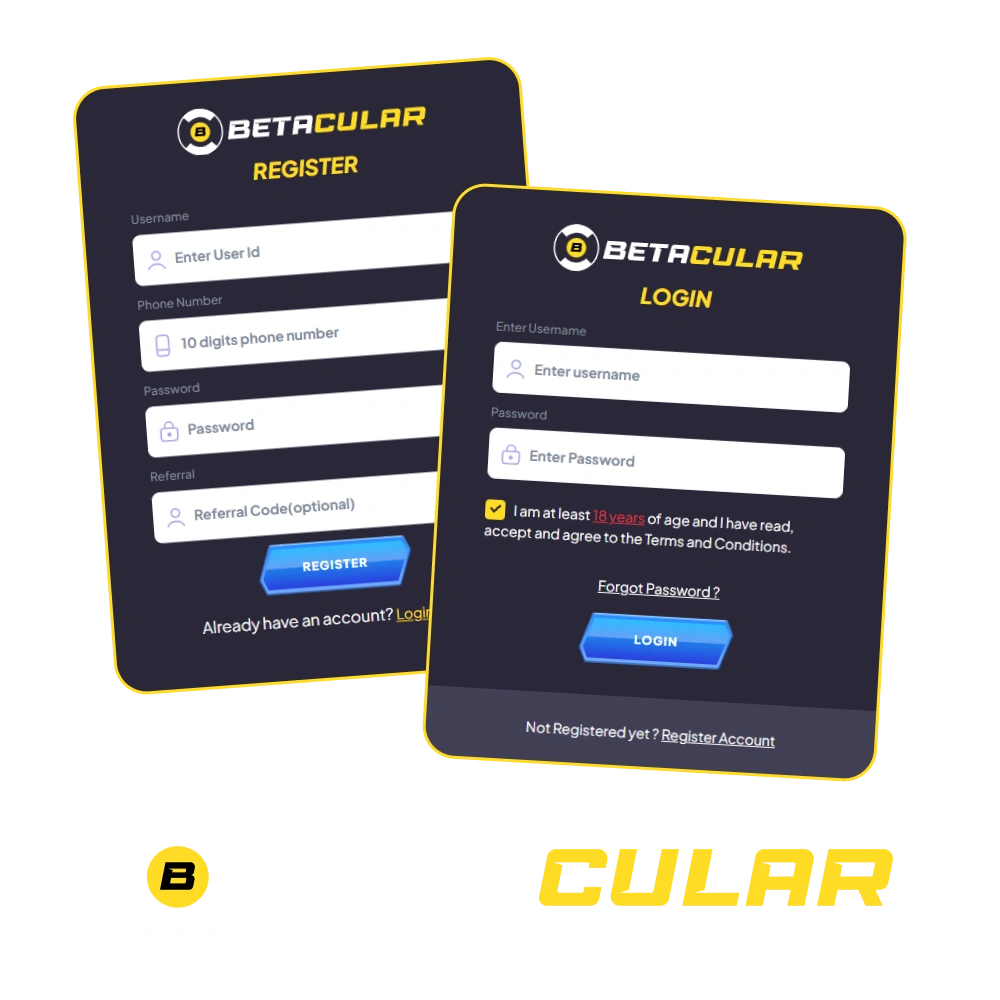
Betacular sign-up and login screens for creating and verifying an account

Betacular Sign Up Instructions

You can register on Betacular online in a few simple steps. Here is how to create your betting account and start playing.

1

Click the Button Below

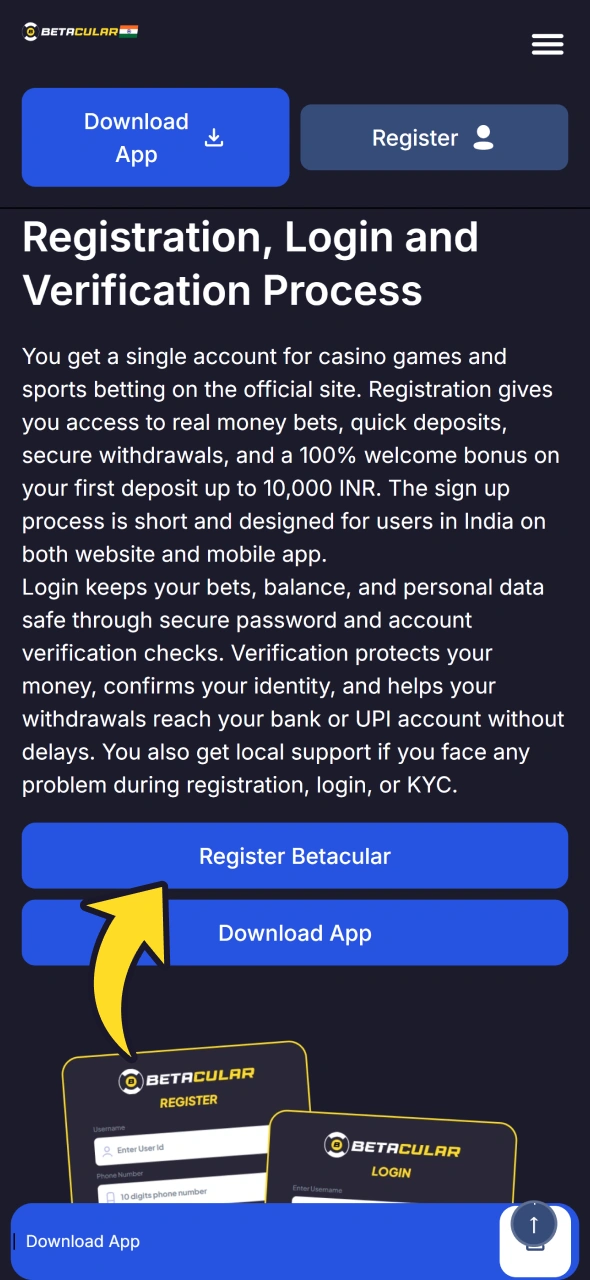
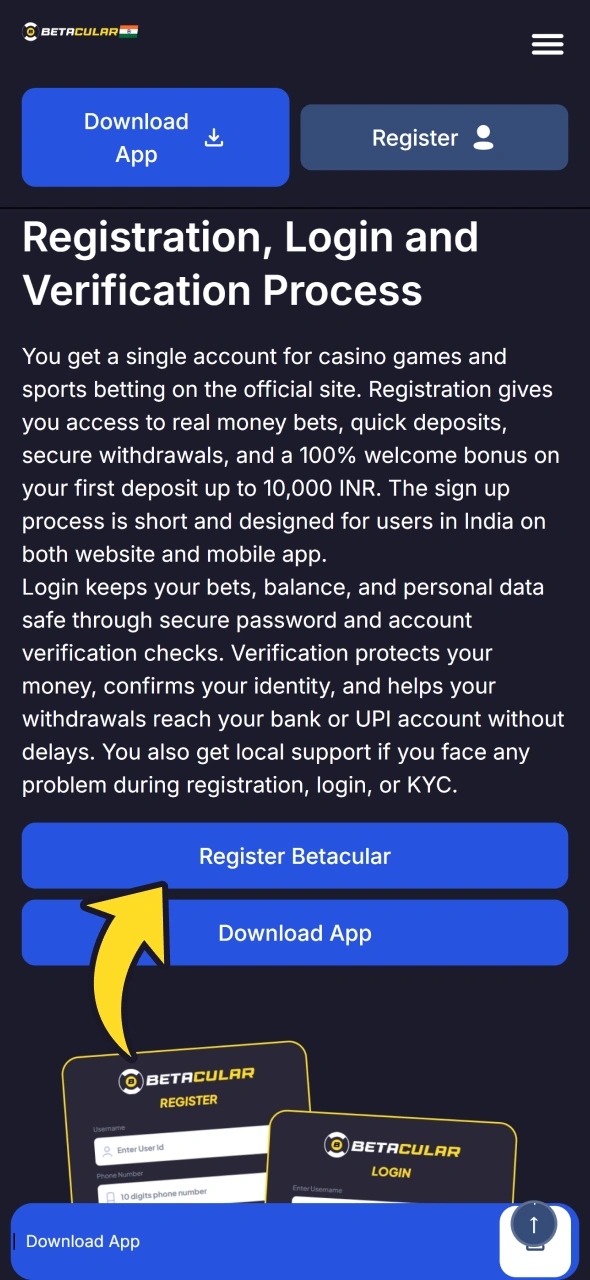
Tap “Sign up” on this page to go to the official registration form.

Sign up button that opens the official Betacular registration form
2

Provide Personal Details

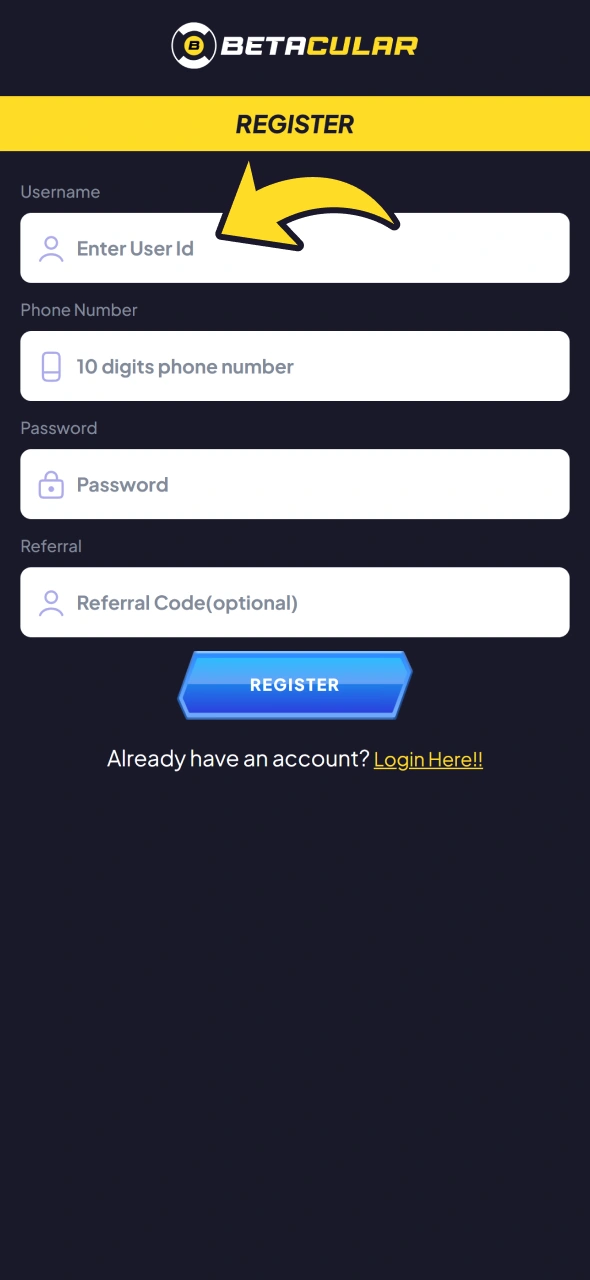
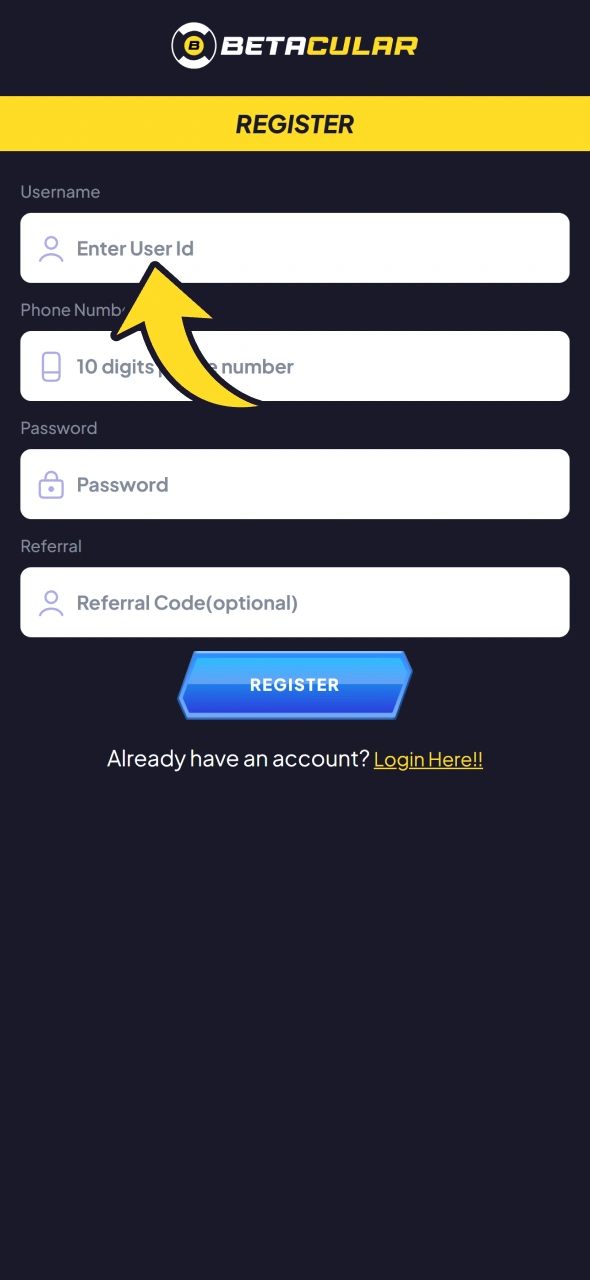
Enter your full name, date of birth, mobile number, email address, and create a strong password.

Betacular registration form with fields for name, date of birth, mobile number and email
3

Confirm Contact Details

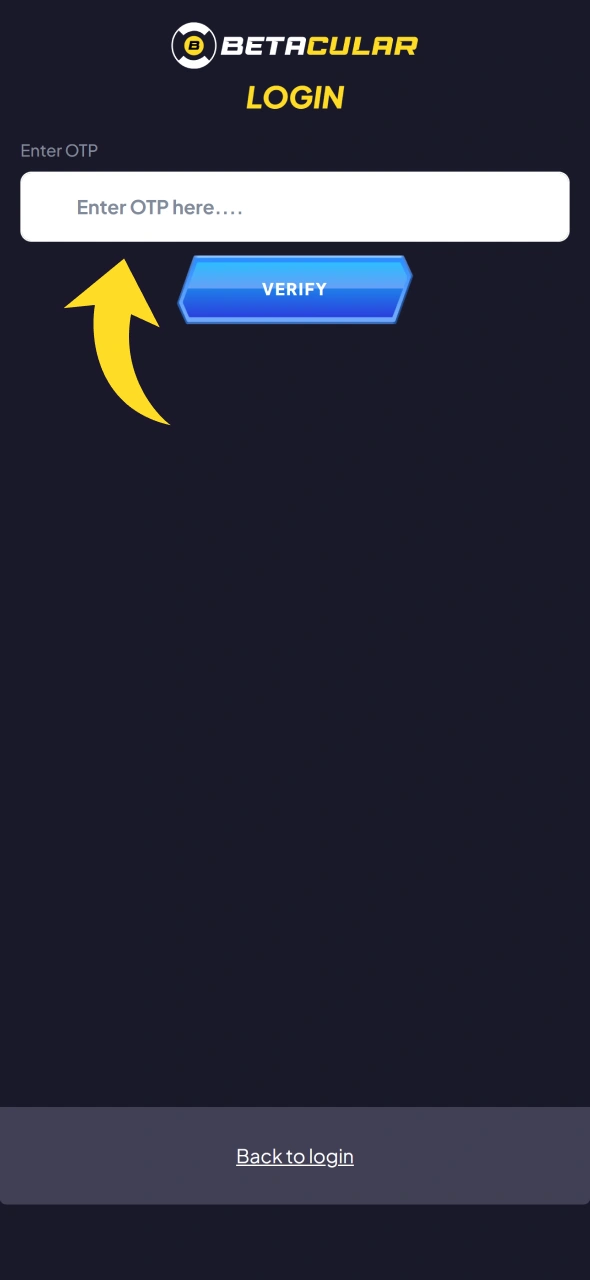
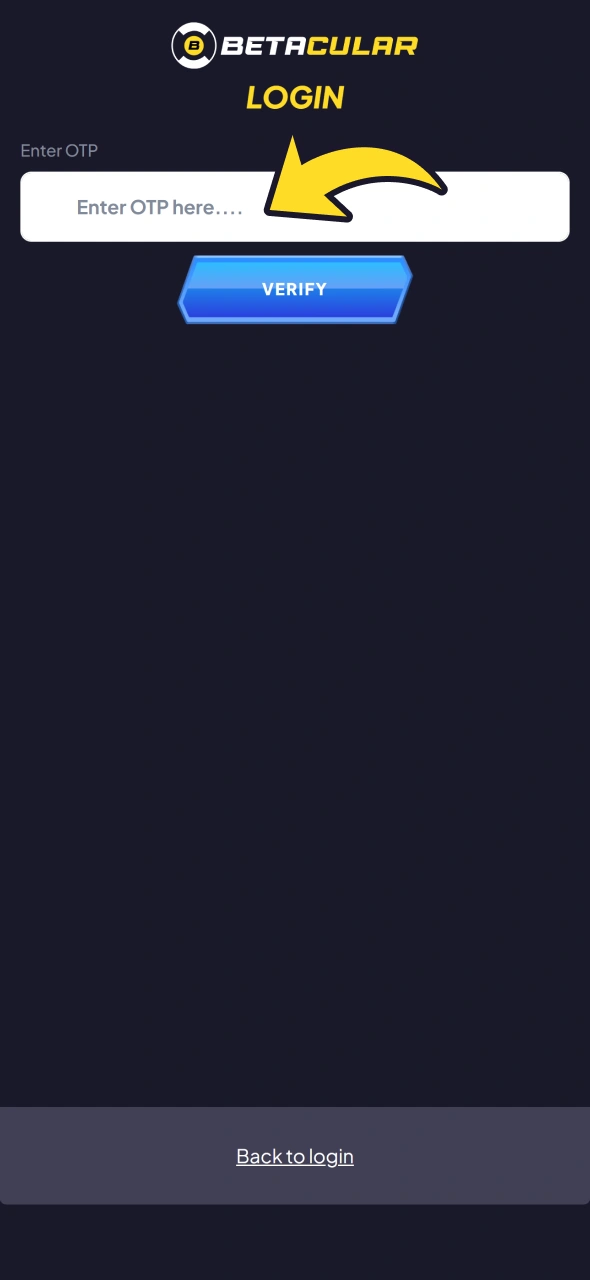
Enter the OTP sent by SMS or email, or follow the confirmation option shown on the form. Now you can set account preferences: choose currency (INR), set responsible gambling limits if you like, agree to the terms, and complete registration.

OTP confirmation step that completes Betacular registration

Registration via the Betacular Mobile App

You can register at Betacular on the mobile app in almost the same way as on the website. The process is optimised for small screens, so you complete each step quickly in the Android app or in the iOS PWA added to your home screen through Safari.

1

Open the App

Launch the official app and tap “Register” on the home screen.

Register button on the Betacular app home screen
2

Fill Personal Information

Type your name, date of birth, mobile number, email, and choose a strong PIN or password.

Registration form in the Betacular app for entering personal details
3

Verify Contact

Enter the OTP from SMS or email so the app can confirm that the contact details belong to you.
Finish profile: set currency as INR, accept the terms, and save your profile so you can start deposits and betting.

Phone number verification by OTP in the Betacular app

Registration Requirements

Before your Betacular sign up, you need to meet some basic rules for users in India. These checks keep the platform compliant and help protect your money and personal data. You only share information that is required for legal betting and safe payments.

Here are the main registration requirements:

  1. Legal age
    You must be at least 18 years old to create an account and place real money bets.
  2. Real personal details
    You need to provide your real name, correct date of birth, and accurate address details that match your ID documents.
  3. Single account rule
    You can maintain only one active account on the site. Multiple accounts, fake data, or shared accounts can lead to restrictions.
  4. Valid contact details
    Your mobile number and email address must be active and accessible, since they are used for OTP, alerts, and account recovery.
  5. KYC documents
    You should be ready to upload Indian KYC documents such as PAN, Aadhaar (a masked Aadhaar where accepted), voter ID or passport, plus an address proof. Complete KYC verification before your first withdrawal; Betacular may ask for it earlier.

Betacular Account Verification Process

Betacular verification is required to confirm your identity, secure your account, and meet the Betacular KYC rules. Complete it before your first withdrawal; Betacular may ask for it earlier. Once your account is verified, you can use higher deposit limits and get faster withdrawals to your bank or UPI. The process is guided inside your profile and usually completes in a short time if documents are clear.

Betacular account verification stages

1

1. Start KYC in profile

Go to your account section and open the Verification or KYC tab.

2

2. Submit identity proof

Upload a clear photo or scan of your PAN card, Aadhaar card (a masked Aadhaar where accepted), passport, or any accepted identity document.

3

3. Submit address proof

Upload a recent document that shows your address in India, such as Aadhaar, utility bill, bank statement, or rental agreement.

4

4. Confirm contact details

Enter and confirm the OTP sent to your registered mobile and email if asked again during KYC.

5

5. Wait for review

The compliance team checks your documents and updates your status to Verified or asks for new copies if something is not readable.

Log In to Your Betacular Account

After you finish Betacular registration, you can log in any time to manage your bets, deposits, and withdrawals. The account login process is short and works on both the website and mobile app.

1

Click the Button From This Page

Open the official site using this page or launch the app on your mobile.

Button that opens the official Betacular site for logging in
2

Go to the Sign-In Screen

Tap “Login” or “Sign in” on the top menu or app home screen.

Login button in the top menu of the Betacular site
3

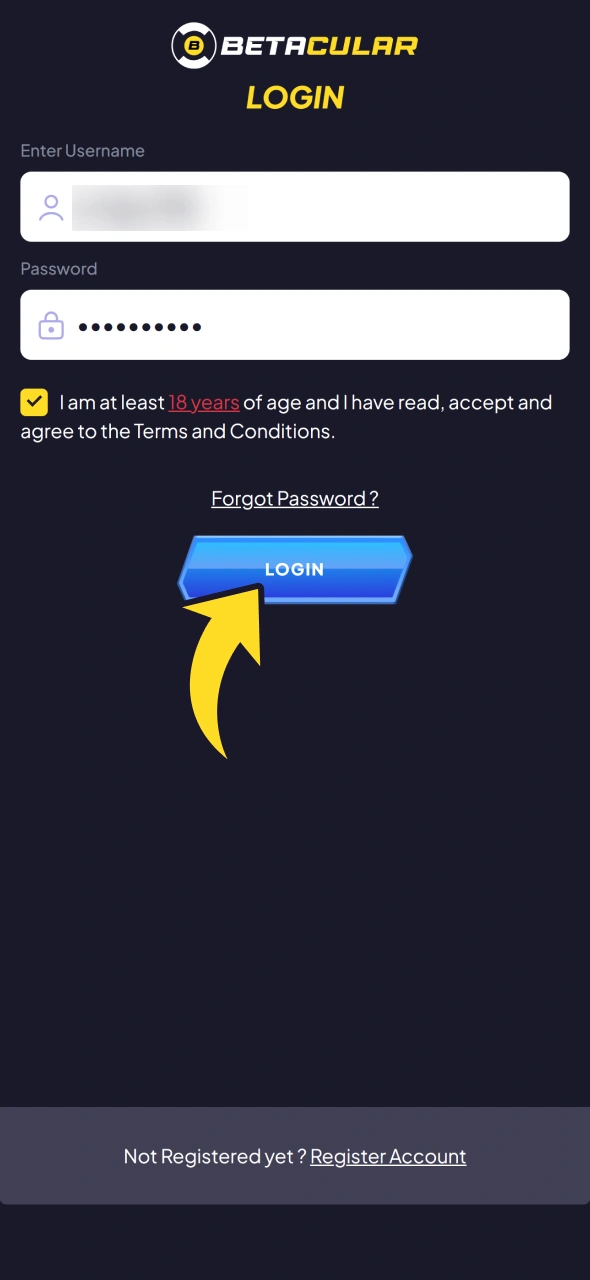
Enter Login Details

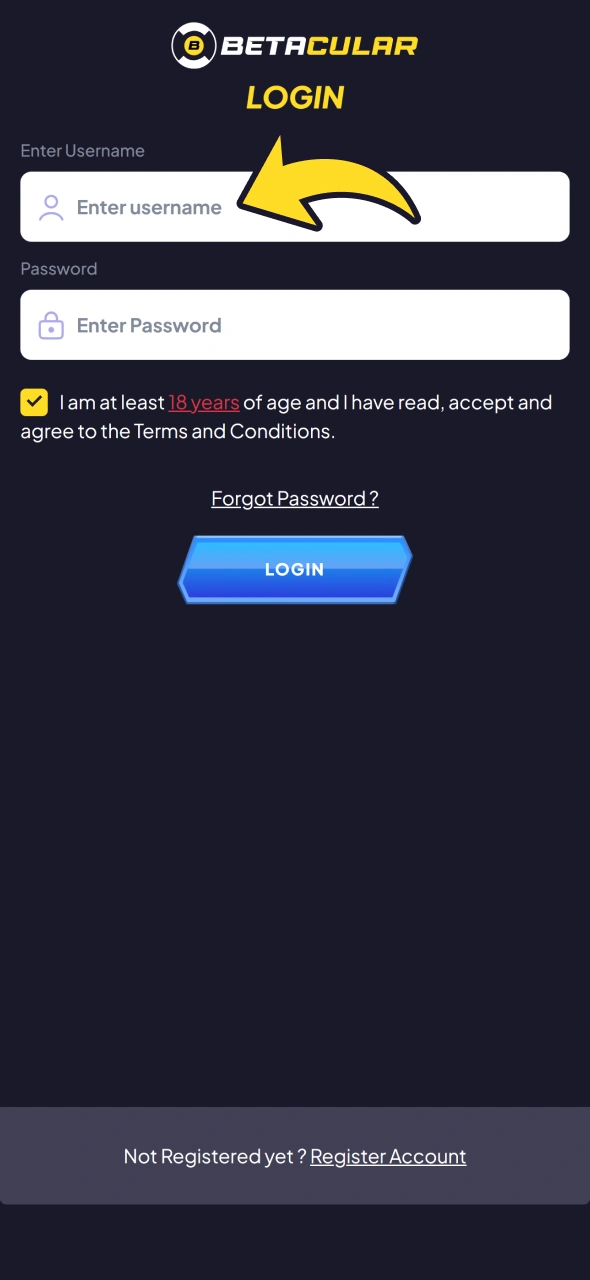
Type your registered mobile number, email, or username and then your password or PIN.

Betacular login form with mobile number, email or username and password fields
4

Confirm Access

Enter the OTP if two-step verification is enabled, then tap “Login” to access your account dashboard.

Confirming the login to open the Betacular account dashboard

Welcome Bonus After Registration

After you create your account and make your first deposit, you can get a 100% welcome bonus for casino or sports betting up to 10,000 INR. You choose how to use your first deposit bonus based on your favourite games or cricket markets.

Below is a typical structure for the welcome bonus. Always check the bonus terms on the official site for the latest details.

  1. Casino welcome bonus
    • Bonus amount: 100% of your first casino deposit up to 10,000 INR
    • Minimum deposit: Usually from 500 INR (check current limit in the cashier)
    • Wagering requirement: The bonus amount must be wagered on eligible casino games before withdrawal; see the bonus terms for the multiplier and validity period.
  2. Sports welcome bonus
    • Bonus amount: 100% of your first sports deposit up to 10,000 INR
    • Minimum deposit: Usually from 500 INR
    • Wagering requirement: Place bets on eligible sports markets at the minimum odds until the required turnover is reached; see the bonus terms for the multiplier, minimum odds and validity period.

Welcome bonus banner showing 100% match up to 10,000 INR for casino or sports after first deposit

Learn How to Get a Welcome Bonus

You can claim your welcome bonus soon after Betacular sign up and first deposit. Follow these steps so the bonus is credited correctly.

1

1. Choose bonus type

Decide if you want the casino bonus or sports bonus before making your first deposit.

2

2. Enter bonus code if needed

Add any promo or bonus code in the cashier during deposit, if given on the promotion page.

4

4. Play under bonus rules

Use the bonus on eligible games or bets and complete the wagering requirement before requesting withdrawal.

Potential Issues when Registering an Account

Sometimes you may face small problems during Betacular registration online or while completing your profile. Most issues have a simple solution inside your account settings or through customer support.

Common problems and solutions:

  • Problem: OTP not received on mobile | Solution: Check network, wait a minute, tap resend OTP, or confirm that your number is entered correctly.
  • Problem: Email confirmation link not working | Solution: Refresh your inbox, check spam folder, or copy and paste the full link into your browser.
  • Problem: PAN or Aadhaar upload fails | Solution: Reduce file size, ensure the image is in JPG or PNG format, and that text is readable.
  • Problem: Message about existing account for your number or email | Solution: Use password recovery for that contact or contact support to check duplicate profiles.
  • Problem: Registration page not loading | Solution: Try a different browser, clear cache, or use the mobile app and then connect to support if the issue continues.

Account Password Recovery

If you forget your Betacular sign-in password, you can reset it online in a few steps. You only need access to your registered mobile number or email.

  1. Open the login page
    Go to the official site or app and open the Betacular login screen.
  2. Click on forgot password
    Tap “Forgot password” or similar option below the login fields.
  3. Choose recovery method
    Select SMS OTP, email link, or any other recovery method shown for your account.
  4. Enter contact details
    Type your registered mobile number or email so the system can send you a reset code or link.
  5. Set new password
    Enter the OTP or click the link, then create a new strong password and confirm it to regain access.

Delete your Betacular Account if Needed

Sometimes you may want to delete your account due to responsible gambling decisions, long breaks from betting, or security reasons. You can request account closure or self-exclusion at any time.

  1. Log in to your account
    Use your usual Betacular account login on the website or app.
  2. Go to support or responsible gambling section
    Open the Help, Support, or Responsible Gambling area in your profile.
  3. Submit closure request
    Send a message or fill the form asking for account deletion or long-term self-exclusion, and mention your reason.
  4. Confirm final steps
    Follow any confirmation link or reply required by support so your request can be processed.

FAQ

Q1. Do you need to verify your account before first deposit?

Not always. KYC verification (PAN/Aadhaar or passport and address proof) is required before your first withdrawal, and Betacular may ask for it earlier, so verifying soon after registration helps you avoid delays.

Q2. Which payment methods can you use for deposits in India?

You can usually use UPI (including Paytm UPI), net banking/IMPS, e-wallets such as Skrill and Neteller, crypto, and cards where supported. Check the cashier for the full and updated list.

Q3. Can you change your mobile number after registration?

You can request a change through profile settings or support, but you may need to pass extra verification to protect your account.

Q4. How long does KYC review normally take?

Most KYC checks complete within a short time after you upload clear documents, though complex cases can take longer.

Q5. Is it allowed to share your account with friends or family?

No, you should keep your login details private and never share your account, as this can lead to security issues and possible restrictions.

Updated: